

Squarespace, Super Bowl 2025
March 25, 2026Capture Companion: Never Miss a Tethered Shot Again
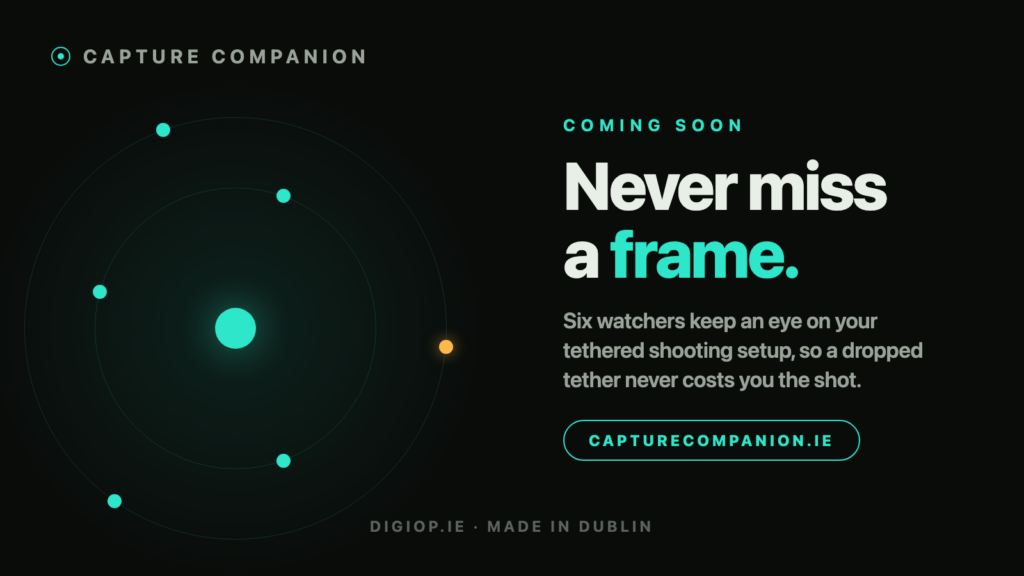
We have been building something for every photographer who has ever glanced at the back of the camera mid shoot and wondered, quietly, is it still connected. It is called Capture Companion, and it is coming soon.
If you shoot tethered, you know the feeling. The session is flowing, the client is happy, the frames are landing on the screen one after another. And then, at some point, they stop. A cable works loose. The Wi-Fi tether drops a bar. The capture drive quietly fills. You carry on firing, none the wiser, until you look up and realise the last run never made it across.
That gap between the moment a connection fails and the moment you notice it is where shoots go wrong. Capture Companion exists to close it.
What is Capture Companion?
Capture Companion is a small macOS app that lives in your menu bar and keeps watch over your tethered shooting setup. It sits quietly alongside Capture One and your capture workflow, checking the things that tend to fail on a busy shoot, and it tells you the second one of them slips. No dashboards to babysit, no windows to keep open. A calm icon in the corner when all is well, and a clear alarm the instant it is not.
It was built in Dublin by DigiOp.ie, by a working digital technician who got tired of finding out about problems one run too late.
Six watchers, one menu bar
At the heart of Capture Companion are six watchers. Each one keeps an eye on a different part of your rig, and any of them can raise the alarm.
The six watchers in Capture Companion: tether, signal, bus speed, drift, disk and doctor.](images/capture-companion-six-watchers.png)
Tether Watch.
The moment your camera disconnects, you know. No more discovering it three frames into the next look.
Signal Watch.
For wireless setups, it tracks your Wi-Fi tether strength in dBm and warns you as it fades, well before it drops, so you can move the antenna or the talent before a single frame goes missing.
Bus-Speed Watch.
It reads the real negotiated speed of your tether link. If a cable or port quietly drops to a slower mode, you find out immediately instead of wondering why the previews crawled.
Drift alerts.
It watches your key camera settings. If shutter, aperture or ISO drift away from where you pinned them, it flags it, so a bumped dial never ruins a run.
Disk Watch.
It keeps an eye on free space on your capture drives and warns you before they fill, not after the write fails.
Doctor.
A running set of health checks across the whole setup, so you get one honest answer to the only question that matters: is everything all clear.
Every reading is real. If Capture Companion says the link is at full speed or the signal is steady, that is what your gear is actually reporting, not a decoration.
Keep your hands on the shoot
You should not have to reach for the trackpad to silence an alarm or check your status mid frame. Capture Companion can be driven entirely by keyboard shortcuts, so a glance and a keypress is all it takes.
Capture Companion hotkeys bound to a macro pad: Silent, HUD, Signal Watch and drift alerts.](images/capture-companion-hotkeys.png)
Bind those same shortcuts to a Stream Deck or any macro pad and you get a physical button for silencing alarms, calling up the status display, or toggling any watcher on the fly. No plugin, no extra software. Just map the keys and go.
There is also a floating status display you can call up over your capture screen, so the numbers that matter are there when you want them and gone when you do not.
Built for the way you actually work
Capture Companion does not take over your workflow and it does not get in the way. It runs beside Capture One and your existing tethered setup, wired or wireless, and asks nothing of you until something needs your attention. When the shoot ends, it can give you a quiet summary of the session, so you leave knowing the whole thing held together.
The whole idea is simple. You concentrate on the picture and the person in front of the lens. Capture Companion concentrates on everything behind you.
Coming soon
Capture Companion is in the hands of beta testers now and we are polishing it for release. If you shoot tethered and you want to be first to know when it goes live, head to capturecompanion.ie
and join the list. We will send one email when it lands, and nothing else.
If you would rather talk gear, tethering rigs or on set reliability in person, that is what we do every day at DigiOp.ie Get in touch any time.
Frequently asked questions
What is Capture Companion?
Capture Companion is a macOS menu bar app that monitors your tethered shooting setup and alerts you the moment something fails, from a dropped camera connection to a fading Wi-Fi tether or a filling capture drive.
Does it work with Capture One?
Yes. Capture Companion runs alongside Capture One and your existing tethered capture workflow. It is an independent app that watches your rig, so you keep using Capture One exactly as you do now.
Do I need a plugin to use it?
No. There is no plugin to install into your capture software. Capture Companion is a standalone menu bar app that watches your setup from the outside.
Does it work with wireless tethering?
Yes. Signal Watch is built for wireless setups and tracks your Wi-Fi tether strength, warning you as it weakens rather than after it drops.
Can I control it with a Stream Deck?
Yes. Every key action has a keyboard shortcut, and you can bind those to a Stream Deck or any macro pad. No plugin is required.
When can I get it?
Capture Companion is coming soon and is in beta now. Join the list at capturecompanion.ie to be notified the day it is released.